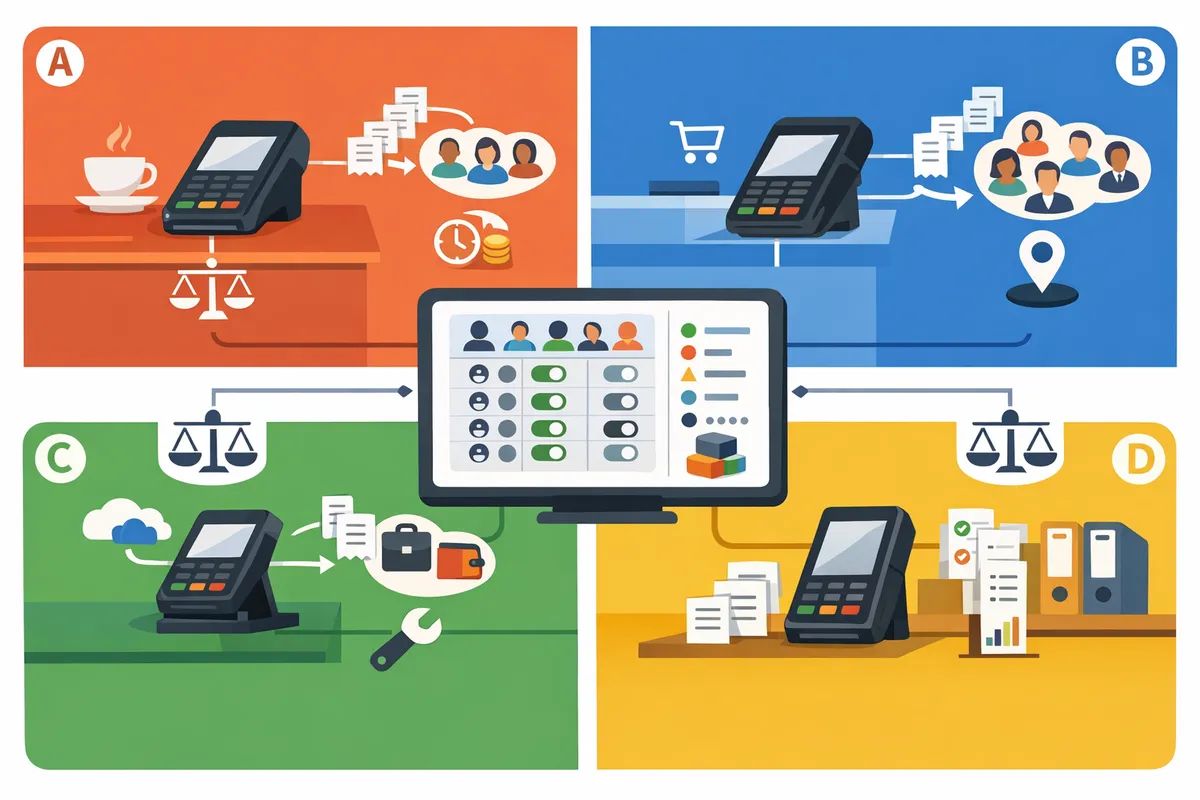
S700 vs S710 vs M2 vs WisePOS E 2026
High-volume retailers can spend an extra $300 per terminal each year on hardware, support, and receipt handling. S700 vs S710 vs M2 vs WisePOS E 2026 is a comparison that outlines purchases, receipt delivery, and total cost of ownership for Stripe Terminal readers. RouteReceipts is a Stripe app that lets merchants selectively send receipts by managing an allowlist in the Stripe dashboard, preventing unnecessary emails for customers who do not need receipts. This comparison matters for choosing a reader whose purchase price and receipt handling minimize long-term costs; consult our Stripe Terminal Pricing & TCO guide. Which reader offers the best TCO when paired with RouteReceipts' selective receipt routing?
What are the S700, S710, M2, and WisePOS E and how do they differ for receipts?
The S700, S710, M2, and WisePOS E are four Stripe Terminal device classes that differ by form factor, connectivity, and when and how receipts are generated. Each device maps to distinct receipt workflows: fixed-counter devices send receipts immediately when online, mobile readers may queue payments then create receipts later, and embedded terminals hand receipt control to the POS integration. Matching device behavior to your receipt policy reduces accidental emails, duplicate receipts, and finance overhead.
S700: Compact countertop reader 📦
The S700 is a countertop card reader that targets fixed retail tills and small storefronts and posts transactions to Stripe in near real time when connected. The S700 fits tightly on crowded counters and typically uses wired Ethernet or Wi-Fi in retail setups to keep checkout latency low. For receipts this means emailed receipts appear immediately after the payment posts, which simplifies expense tracking for customers but can create volume for finance teams that need selective delivery. According to RouteReceipts' documentation, installing RouteReceipts and turning off Stripe's automatic receipts lets you control who receives those immediate emails. If you plan to use printed receipts, the S700 pairs well with receipt printers that your POS already manages, while RouteReceipts handles selective email distribution.
💡 Tip: Disable Stripe's automatic receipts when you install RouteReceipts to avoid duplicate emails. See the RouteReceipts Stripe setup documentation for step-by-step instructions.
S710: Payment terminal with customer-facing screen 🧾
The S710 is a countertop terminal with a larger customer display that supports on-screen prompts and clearer transaction confirmation before receipts are sent. The S710's customer-facing UI helps reduce disputes because customers confirm amounts visually, which matters when emailed receipts serve as proof of purchase. In 2026 Stripe updated S710 distribution and firmware to improve regional EMV and network compatibility, expanding availability in the UK and key markets; check your local Stripe Terminal sales page for exact SKUs and regional shipping. RouteReceipts works with S710 setups the same as other Stripe Terminals: if payments route to Stripe for receipt generation, RouteReceipts filters which customers receive the resulting emails, letting you show on-screen confirmation while keeping inbox noise low.
M2: Mobile, battery-powered field reader 🔋
The M2 is a battery-powered mobile reader built for pop-ups, delivery, and field sales where intermittent connectivity and battery life matter to the receipt workflow. The M2 can operate offline and queue payments; queued transactions upload when the device reconnects, which delays Stripe's invoice creation and email generation until the sync completes. That delay matters for customers who expect immediate receipts after a delivery or pop-up sale. RouteReceipts evaluates receipt decisions at the moment Stripe creates the receipt, so delayed uploads still respect your allowlist rules. For example, a caterer who processes 50 offline payments at an event can rely on RouteReceipts to prevent unwanted emails once the M2 syncs and posts transactions.
WisePOS E: Integratable terminal for custom POS deployments ⚙️
WisePOS E is an embeddable terminal designed for tightly integrated POS systems where the POS software, not the hardware, typically controls receipt delivery. With WisePOS E, the POS sends receipts directly or instructs Stripe to generate them depending on integration choice, so receipt behavior varies by implementation. RouteReceipts can filter Stripe-generated receipt emails when your POS posts payments to Stripe and leaves receipt emission to Stripe. If your POS sends receipts from its own mail system before Stripe issues one, RouteReceipts cannot intercept those external emails. For practical guidance on integrating receipt routing into embedded setups, see the RouteReceipts no-code guide and the FAQ about installation and disabling Stripe's automatic receipts.
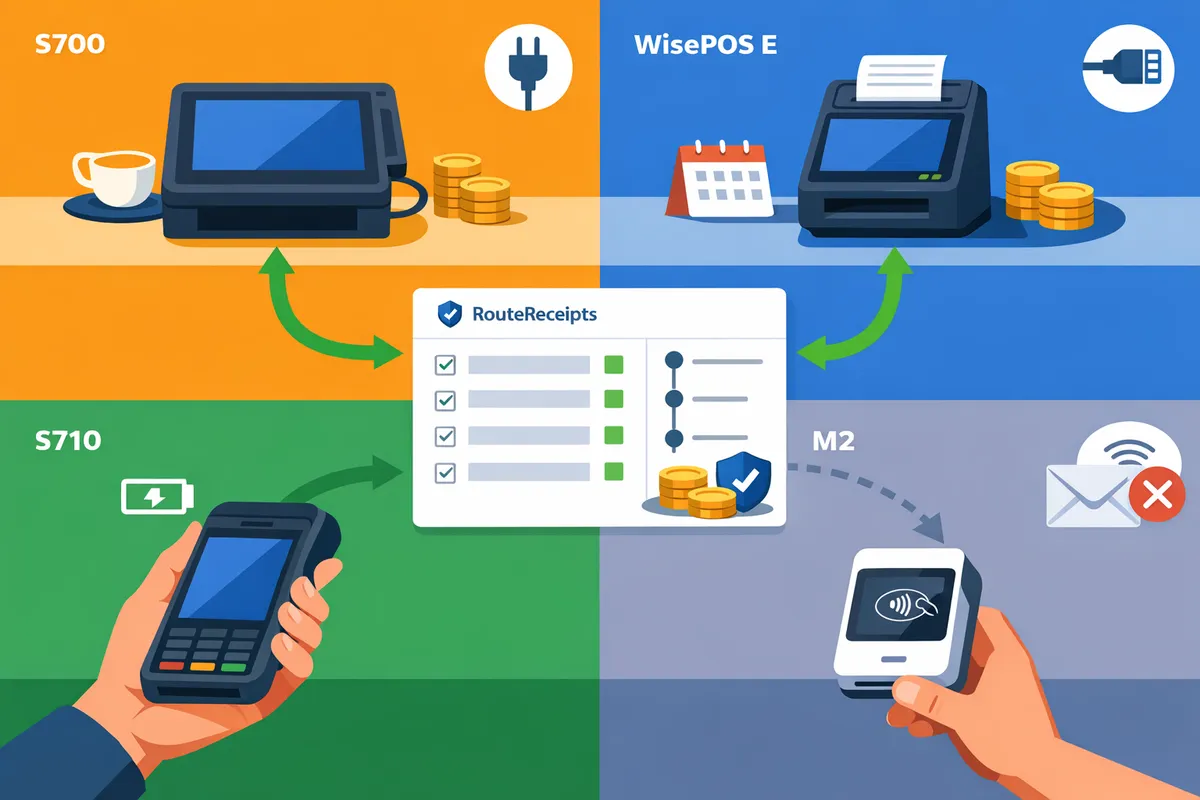
How do the devices compare side-by-side for receipt workflows, security, and TCO?
S700 and WisePOS E are best for fixed-counter deployments with steady power and lower maintenance, while S710 and M2 suit mobile or mixed deployments where battery life and portable connectivity matter. The table below maps the four devices to receipt flows, compliance touchpoints, and realistic first-year and three-year cost components so you can compare trade-offs directly.
Comparison matrix (table) 📊
This table maps S700, S710, M2, and WisePOS E across ideal use case, connectivity, receipt-email control, security posture, and example TCO components.
| Criteria | S700 | S710 | M2 | WisePOS E |
|---|---|---|---|---|
| Ideal use case | High-volume countertop retail, fixed tills | Walk-up counters and handheld line-busting | Mobile sales, pop-ups, field reps | Integrated kiosk or custom hardware (embedded) |
| Form factor / connectivity | Countertop, Ethernet + Wi-Fi | Handheld with Wi-Fi and optional LTE | Portable with cellular and Wi-Fi options | Developer device meant to be embedded in POS; Ethernet/Wi-Fi |
| Power / battery | Mains powered (continuous) | Rechargeable battery (field: ~12–24 hrs) | Rechargeable battery (field: ~8–16 hrs) | Typically mains or host-powered (continuous) |
| Offline behavior / queuing | Queues on POS; reliable online receipts when POS confirms | Queues locally; longer battery improves sync reliability | Queues locally; cellular reduces re-sync latency | Queues on host app; depends on integrator sync strategy |
| Receipt email control | Receipt generation depends on POS + Stripe settings; works well with RouteReceipts allowlist | Same as S700; mobile use may delay receipts until reconnect | Mobile delays possible; RouteReceipts still controls who receives email once Stripe event arrives | Receipt path controlled by host app; RouteReceipts applies after Stripe receives the payment event |
| Security & PCI/EMV handling | Full EMV and PCI payment flow with fixed network | Full EMV and PCI with handheld PKI components | EMV-capable; variable depending on configuration | EMV-capable; security depends on integrator implementation |
| Regional friendliness (UK focus) | Widely distributed through Stripe channels in 2026; vendor support common | Widely distributed; good UK channel support | Availability varies by region and distributor in 2026 | Widely used by integrators; sourcing depends on reseller network |
| Initial hardware cost (example ranges) | £300–£700 | £450–£900 | £350–£800 | £250–£700 |
| Expected maintenance (annual) | Low (firmware + support) | Medium (battery replacement ~2–3 yrs) | Medium-high (battery, rugged case replacements) | Low-medium (depends on integrator support contract) |
| Connectivity fees (monthly examples) | Wi-Fi/Ethernet: none; LAN costs only | LTE hotspot: £10–£30 | SIM data: £10–£40 | Varies by host setup (SIM or LAN) |
| Common add-ons | Receipt printer, cash drawer | Holster, spare batteries, dock | Rugged case, spare battery, cellular plan | Custom bezel, PoS integration work |
| Example first-year TCO (typical UK small retailer) | £650–£1,100 (hardware + one support plan + local install) | £900–£1,600 (hardware + spare battery + LTE) | £800–£1,700 (device + cellular plan + cases) | £600–£1,200 (device + integration time) |
| Example 3-year TCO considerations | Firmware updates, support SLAs, replacement parts | Battery replacement, increased service visits | Battery and case replacements, higher support spend | Integration maintenance, replacement parts |
Notes: Price ranges are example estimates for planning. Use the example scenarios above to build a first-year and three-year TCO for your store size and transaction volume.
Security and compliance for receipt emails 🔒
All four devices operate within EMV and PCI-compliant payment flows, but receipt email delivery depends on how the POS and Stripe are configured and when Stripe receives the payment event. Stripe sends the receipt after it records the payment; if the terminal or host app holds the sale offline, the receipt is not sent until the event syncs. RouteReceipts intercepts that moment by applying an allowlist inside the Stripe dashboard so only authorized customer IDs or emails receive a Stripe-originated receipt. This avoids relying on the POS to filter emails and reduces accidental exposure from misconfigured POS email fields.
- When to disable automatic receipts. Disable Stripe's automatic receipt emails before enabling RouteReceipts to prevent duplicate messages and ensure the allowlist controls delivery. See the step-by-step installation and setup in our documentation for the exact sequence.
- Auditability. RouteReceipts maintains a decision audit log visible in the Stripe dashboard so you can prove why a receipt was or was not sent.
💡 Tip: Disable Stripe's automatic receipts before you enable RouteReceipts to avoid duplicate receipts; our setup guide walks through this exact step.
For implementation details and troubleshooting, consult the RouteReceipts installation guide in our documentation and the FAQ about routing rules and plan limits.
Network reliability, battery life, and uptime metrics ⚡
Network and battery performance determine when Stripe receives the payment event and therefore when the receipt is issued; offline transactions delay email delivery until the terminal syncs with Stripe. For planning, treat S700 and WisePOS E as mains-reliant devices with continuous uptime when installed correctly. Handheld S710 devices typically deliver 12–24 hours of active service under retail use; M2 units typically range 8–16 hours depending on cellular use and screen brightness. These ranges reflect field experience and depend on configuration and workload.
- Offline queuing behavior. If a terminal processes an EMV transaction while offline, the POS or terminal queues the transaction and sends it when connected; RouteReceipts cannot route an email until Stripe receives the event. That means mobile setups with intermittent cellular can see receipt delays measured in minutes to hours.
- Choosing for low-connectivity areas. For UK locations with spotty Wi-Fi, prefer mains counter devices with wired Ethernet or WisePOS E embedded into a tethered POS. For roaming teams, pick S710 with a verified LTE plan or M2 with a dedicated SIM and spare battery to reduce re-sync delays.
RouteReceipts works after Stripe records the payment, so the device choice affects timing but not selective delivery logic. For configuration steps on minimizing delays, see our no-code guide to selective delivery.
Regional availability and 2026 updates (UK emphasis) 🇬🇧
In 2026, channel availability, warranty terms, and firmware certification differ by region; S700 and S710 generally have broader UK distribution and clearer upgrade paths, while M2 availability and warranty terms vary by distributor. WisePOS E remains the go-to for integrators that need a developer-grade device, but sourcing depends on local resellers and support contracts. Always verify UK-specific firmware and EMV/PCI acceptance with the reseller before purchase.
- Warranty and support differences. Warranties often depend on the seller rather than the device maker; buying through an authorized Stripe reseller typically gives clearer firmware update paths and returns handling.
- Sourcing advice. For UK procurement, check distributor stock and ask for UK-specific firmware and certification notes. If you need managed replacement or fast RMA, prioritize resellers that offer on-site swaps or local spares.
For background on why selective routing matters and how RouteReceipts reduces inbox clutter for finance teams, see Why Did We Build Route Receipts? and the Frequently Asked Questions page for plan details and installation notes.
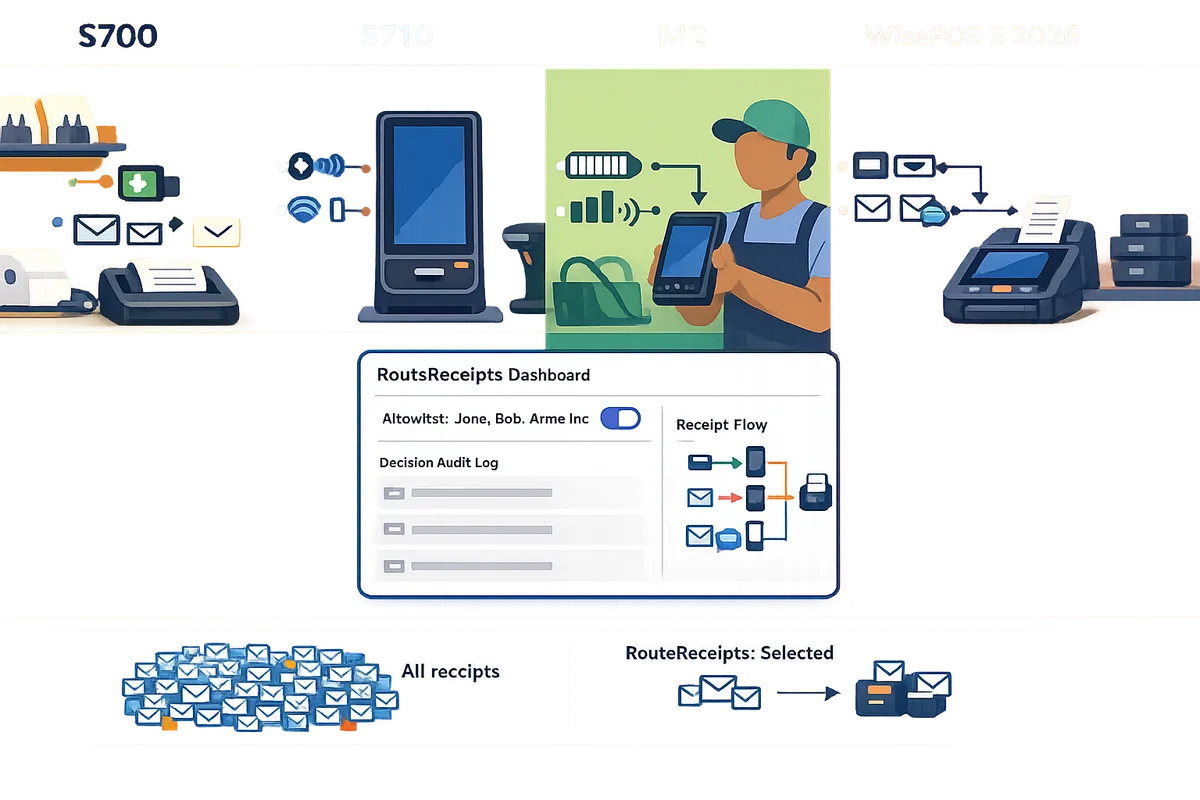
Which reader should you choose for specific business scenarios and how does RouteReceipts simplify receipt handling?
Match device class to the primary deployment: S700 or S710 for fixed high-volume retail, M2 for mobile and field sales, and S710 or WisePOS E for hospitality multi-check workflows; pair the chosen reader with Route Receipts to control who actually receives emails after a transaction. This choice matters because the wrong reader increases staff time, creates compliance risk, and produces unwanted receipt email volume that wastes finance and support hours.
Retail storefront recommendation (high-volume fixed POS) 🏬
Choose S700 for maximum counter throughput or S710 when you need a customer-facing display. S700 fits high-throughput lanes because its hardware prioritizes fast printing and simple cashier workflows. S710 adds a larger customer display and secondary prompts for loyalty or signature capture, which helps reduce mis-tenders and speeds reconciliation at the end of the day. Expect operational trade-offs: S700 often lowers per-terminal maintenance time, while S710 can reduce dispute handling by surfacing prompts to customers. Route Receipts prevents sending receipts to bulk consumer lists or internal test accounts by applying an allowlist from our website, cutting customer inbox clutter and lowering support tickets related to mistaken receipts. For setup steps and allowlist examples, consult our Route Receipts documentation.
Mobile and field sales recommendation (on-the-go) 🚚
Choose M2 for mobile sales because it operates on battery, supports offline queuing, and retries transactions when connectivity returns. Field teams commonly face delayed cellular coverage and intermittent Wi-Fi; M2 queues receipts locally and syncs when back online, which prevents lost transactions. That delay creates a risk: if your system automatically emails receipts on authorization, customers receive duplicates or emails before a synced settlement. Route Receipts avoids that by holding delivery decisions until the payment sync step and applying an allowlist so only authorized recipients get emails. Our no-code guide explains how to configure device workflows and the allowlist rules for field teams.
Hospitality and table service recommendation (multi-check workflows) 🍽️
Choose S710 or WisePOS E for table service because both support split checks, custom prompts, and multi-seat flows that servers need at table side. Multi-check workflows create many small receipts per table, which quickly clutters guest inboxes and corrodes brand experience for corporate clients who require consolidated invoicing. Route Receipts gives you per-customer routing rules so corporate diners receive one consolidated receipt while walk-ins get immediate per-check confirmations. That reduces complaint volume and simplifies expense reporting for business accounts. See our FAQ for examples of allowlist rules applied to corporate versus guest receipts.
Total cost of ownership and hidden fees (step-by-step TCO) 💷
TCO includes initial hardware, replacement spares, connectivity (SIM or Ethernet), payment processor surcharges, and staff time spent fixing receipt errors. Follow this checklist to calculate realistic TCO:
- Hardware purchase price plus spare ratio (recommended spare 10–20% for high-volume stores).
- Annual connectivity and SIM fees per device.
- Expected replacement cycle and warranty costs.
- Payment processor variable fees per transaction.
- Staff hours spent on receipt support and dispute resolution (estimate weekly hours × hourly rate).
Each line item converts to an annual cost you can sum for per-terminal TCO. Route Receipts lowers recurring support time by preventing unwanted receipt emails and reducing inquiry volumes tied to duplicate or misplaced receipts.
💡 Disable Stripe's automatic receipt emails in Stripe and enable receipt routing in Route Receipts to avoid duplicates; our documentation walks through the exact steps.
Recommended deployment path and next steps 🛠️
Start with the device matched to your primary scenario, procure a single pilot unit, and validate regional availability before rolling out at scale. Follow this rollout sequence:
- Pilot one checkout or one field seller for 2–4 weeks to measure transaction throughput and receipt volume.
- Confirm regional support and warranty terms for your chosen model.
- Install Route Receipts from the Stripe Marketplace and create an allowlist for test accounts and corporate customers.
- Disable Stripe's automatic receipts to prevent duplicates and validate routing decisions using Route Receipts' decision audit log.
- Expand incrementally, adding spares and training staff on receipt exceptions.
Our website provides a step-by-step Stripe setup guide and troubleshooting tips in the Route Receipts documentation, and you can review common questions in the Route Receipts FAQ. For background on why selective routing matters and example decision rules, read Why Did We Build Route Receipts?.
Frequently Asked Questions
This FAQ answers the most common buyer questions about device choice, receipt email timing, offline handling, regional availability, and how Route Receipts integrates with Stripe to control who actually receives receipt emails. Read these items to avoid common procurement mistakes and to validate receipt workflows before you deploy a fleet.
Which Stripe reader is best for receipts 2026? 🔍
The best reader depends on your deployment: S700 or S710 for fixed retail counters, M2 for mobile field sales, and WisePOS E for deeply integrated POS systems. Use the decision matrix in this guide to match device choice to transaction volume, connectivity reliability, and whether you need central control over who receives receipt emails. For example, a high-volume storefront with steady Ethernet benefits from an S700 or WisePOS E to minimize battery and replacement costs, while a door-to-door sales team benefits from M2's portability. Our Route Receipts workflow pairs with any reader choice to stop unnecessary receipt emails at the Stripe-account level; see our documentation on allowlist setup for reader-agnostic rules.
How do these devices handle offline transactions and delayed receipt emails? 📡
Readers that support offline mode queue transactions locally and submit them when connectivity returns, which delays when Stripe generates the receipt and when Route Receipts decides whether to email it. That delay is important: if a terminal captures a payment offline, Stripe typically creates the receipt on settlement or capture, not at the moment the card is swiped. Route Receipts operates after Stripe creates the receipt, so delayed captures mean delayed routing decisions. Test offline flows in staging to confirm timing and customer experience; our setup documentation explains how the app records decision timestamps so you can reconcile delayed deliveries.
💡 Tip: When testing offline behavior, run paired online and offline transactions for the same customer to compare timestamps in the Route Receipts audit log.
Can I use Route Receipts with any of these Stripe Terminal readers? ✅
Yes. Route Receipts integrates at the Stripe-account level and controls Stripe-generated receipt emails regardless of the reader model. Installation happens through the Stripe Marketplace and our dashboard-native UI lets you manage an allowlist of customer emails or IDs without custom webhooks. If you plan to disable Stripe's automatic receipts to avoid duplicates, follow our step-by-step Route Receipts Stripe setup documentation for exact actions and rollback steps.
What hidden costs should I budget for beyond hardware price? 💸
Plan for connectivity plans (mobile data or Ethernet backups), spare units for rapid swap, periodic firmware updates, staff training time, and integration or support time handling receipt issues. For example, a small chain may need a 10% spare inventory to avoid downtime during repairs. There is also recurring operational cost when teams manually troubleshoot unwanted receipts; Route Receipts reduces that burden by centralizing allowlist control and lowering support tickets related to receipt delivery. Include time for a pilot phase and SLA-based support if you run a multi-site rollout.
Are there UK-specific considerations for 2026 when choosing a reader? 🇬🇧
UK buyers should verify local certification, firmware regional builds, payment-scheme compatibility, and warranty or repair logistics before purchase. Certification and payment-routing rules can differ by region and sometimes require a specific firmware image or partner certification for full EMV or contactless acceptance. Route Receipts works independently of those hardware nuances, but confirm that the reader you select is supported by your Stripe account region and that local firmware updates will not interrupt the receipt workflow. Check the regional availability notes in the comparison matrix and our documentation before ordering.
- Warranty and support differences. Warranties often depend on the seller rather than the device maker; buying through an authorized Stripe reseller typically gives clearer firmware update paths and returns handling.
- Sourcing advice. For UK procurement, check distributor stock and ask for UK-specific firmware and certification notes. If you need managed replacement or fast RMA, prioritize resellers that offer on-site swaps or local spares.
For background on why selective routing matters and how RouteReceipts reduces inbox clutter for finance teams, see Why Did We Build Route Receipts? and the Frequently Asked Questions page for plan details and installation notes.
Choose the reader that matches your receipt volume and integration needs.
The S700 vs S710 vs M2 vs WisePOS E 2026 comparison boils down to three practical factors: receipt throughput, printer reliability, and total cost of ownership. Pick the reader that matches your busiest shift and the way you want receipts delivered.
RouteReceipts is a specialized application designed to enhance the way businesses manage their Stripe receipt distribution. This app addresses a significant limitation within Stripe's native functionality, which traditionally forces businesses to either send receipts to all customers or none at all. RouteReceipts empowers businesses with the flexibility to selectively send receipts to specific customers, thereby preventing unnecessary email clutter for those who do not require them. This is particularly beneficial for businesses with diverse customer bases, such as enterprise clients who need receipts for expense tracking and others who prefer not to receive them. By integrating directly into the Stripe dashboard, RouteReceipts allows users to manage an allowlist of customers effortlessly, without the need for complex coding or custom webhook integrations. The application features a dashboard-native user interface, a decision audit log for transparency, and a straightforward setup process via the Stripe Marketplace. RouteReceipts offers a tiered pricing model, starting with a free plan that includes 20 receipts per month, with the option to upgrade for higher volume needs. This solution is ideal for businesses seeking to streamline their financial communications and maintain a professional relationship with their clients by ensuring that only necessary communications are sent.
Schedule a consultation to review device selection, Stripe Terminal Pricing & TCO, and a Route Receipts rollout tailored to your workflows. Start with the RouteReceipts Stripe setup in our documentation and read Why Did We Build Route Receipts? for background on selective receipt delivery.