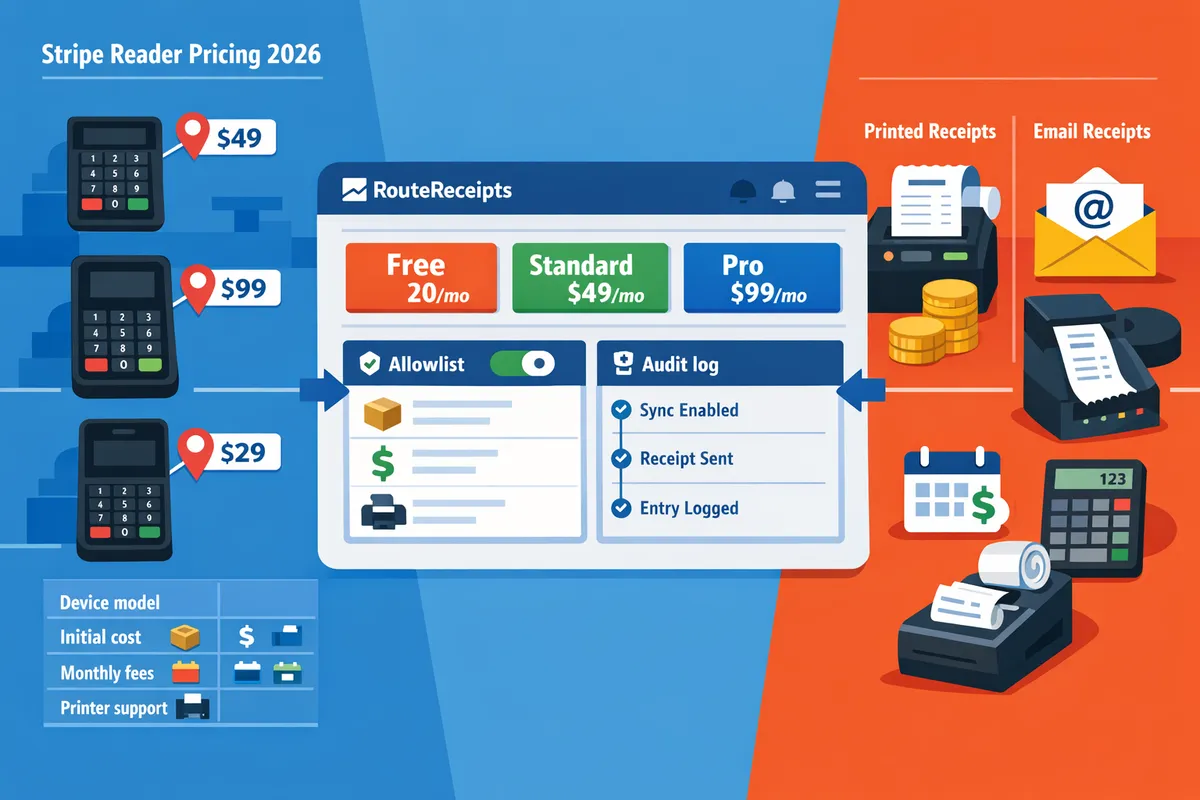
Stripe Reader Pricing 2026
A 20% price gap between Stripe readers can add thousands to a medium retailer's annual POS budget. Stripe reader pricing 2026 is a pricing comparison that lays out hardware costs, regional fees, and receipt total cost of ownership for Stripe Terminal devices. This article helps merchants decide which device and receipt workflow fits their business. Our website shows how RouteReceipts controls which customers receive Stripe receipts with an allowlist inside the Stripe dashboard, changing the effective cost of receipt delivery for businesses that serve both enterprise and consumer clients. See the RouteReceipts documentation for setup and billing, and review the RouteReceipts home page for plan options. Which reader and receipt workflow will cost you less once you factor in selective receipt delivery?
How much does Stripe reader pricing cost in 2026 across devices and regions?
Stripe reader pricing in 2026 depends on the reader model, regional taxes and duties, and any accessory choices such as docks or printers. Expect the sticker price to be only part of total landed cost; taxes, shipping, support plans, and receipt workflows often add another 10–25% to the invoice.
Stripe M2 vs S700 vs S710 receipts: upfront cost and receipt capabilities 🧾
The M2 is the lowest-cost mobile reader and requires an external printer for paper receipts, the S700 is a countertop-focused reader that pairs with external printers, and the S710 is a higher-cost portable/handheld option that gives more printing flexibility and longer battery life. These differences change 12- and 36-month ownership math because printing choices create ongoing consumable and support line items.
| Model | Typical upfront position | Printing | Battery/uptime | Best use case | 12-/36-month TCO drivers |
|---|---|---|---|---|---|
| M2 | Lowest upfront cost | No integrated printer; needs external thermal printer for receipts | Mobile day-shift battery | Popups, curbside, mobile sellers | Low hardware outlay, added printer + paper costs raise TCO |
| S700 | Midrange upfront | Pairs with countertop printers | High uptime for fixed points | Retail counters, cafes | Stable footprint; printer pairing and support plans drive costs |
| S710 | Highest upfront cost | Options for integrated printing or docked printer (SKUs vary) | Longer battery for all-day portable use | Restaurants, mobile POS with printing needs | Higher initial cost but fewer replacements; printing consumables still apply |
Example: a retailer that chooses S710 to avoid a second printer may pay 20–40% more up front than an M2 plus printer, but save on cable clutter and counter space. Route Receipts matters here because choosing to reduce printed copies (for example by sending receipts by email only to an allowlisted set of customers) reduces ongoing paper and maintenance spend. See Why Did We Build Route Receipts? for the product rationale and how selective delivery cuts paper waste.
Regional price differences: US, UK, EU, taxes, and shipping 🌍
Final device cost varies by country because VAT/GST, import duties, and local distribution commonly add 10–25% to the sticker price. On a typical invoice you should expect: device net price, VAT or sales tax, shipping and handling, possible customs/import processing, and a local distributor or reseller margin.
- United States: invoices usually list device price plus state sales tax and shipping. Sales-tax rates vary by state and can change total cost materially for multi-location retailers.
- United Kingdom: expect device prices shown excluding VAT on some seller pages; VAT at the current UK rate applies at checkout or on the import clearance.
- European Union: VAT applies and import handling varies by member state; some EU resellers bundle VAT and local warranty fees into the sticker price.
Common gotchas that add 10–25%: shipping from a non-local warehouse, import brokerage fees, and mismatch between online sticker price and the reseller invoice. If you track landed cost across jurisdictions, include a line for expected replacement shipments and local disposal or recycling fees.
Route Receipts does not change device import costs, but it changes receipt-handling decisions that affect shipping and supply choices. If you reduce printed receipts with Route Receipts, you lower the need to source local printer paper and spare parts across regions. Check the Documentation for setup steps if you plan to stop automatic emailed receipts in favor of selective delivery.
Ongoing costs: processing fees, support plans, and replacement cycles 🔁
Ongoing costs include per-transaction processing fees, optional terminal support or warranty upgrades, consumables for printed receipts, and replacement or loss cycles. These line items are the ones you should model monthly when deciding if buying hardware pays back within 12 to 36 months.
Modeling checklist (monthly):
- Average transactions per month and average ticket size. Use those to estimate processing fees and dispute exposure.
- Support plan or extended warranty cost per device.
- Consumables: paper rolls, thermal heads, and periodic printer service.
- Replacement rate: estimate device loss or failure (for example, 1–3% per year) and amortize replacement cost.
ROI scenarios (example assumptions). These are illustrative to show how receipt strategy affects payback:
- 200 transactions/month. If printed receipts cost $0.02 each and you can prevent 60% using Route Receipts, you avoid ~120 prints/month or about $2.40/month in consumables; hardware payback will be driven mostly by reduced staff time and fewer returns.
- 1,000 transactions/month. Preventing 60% of prints reduces consumables by ~600 prints or $12/month; when combined with lower support calls from selective emailing, hardware choices pay back faster.
- 5,000 transactions/month. Preventing 60% of prints reduces consumables by ~3,000 prints or $60/month; at this scale, even modest per-print savings meaningfully shortens the 36-month payback horizon.
💡 Tip: If you install Route Receipts, disable Stripe's automatic receipt emails to avoid duplicate messages; see our Documentation for the recommended setup and audit-log checks.
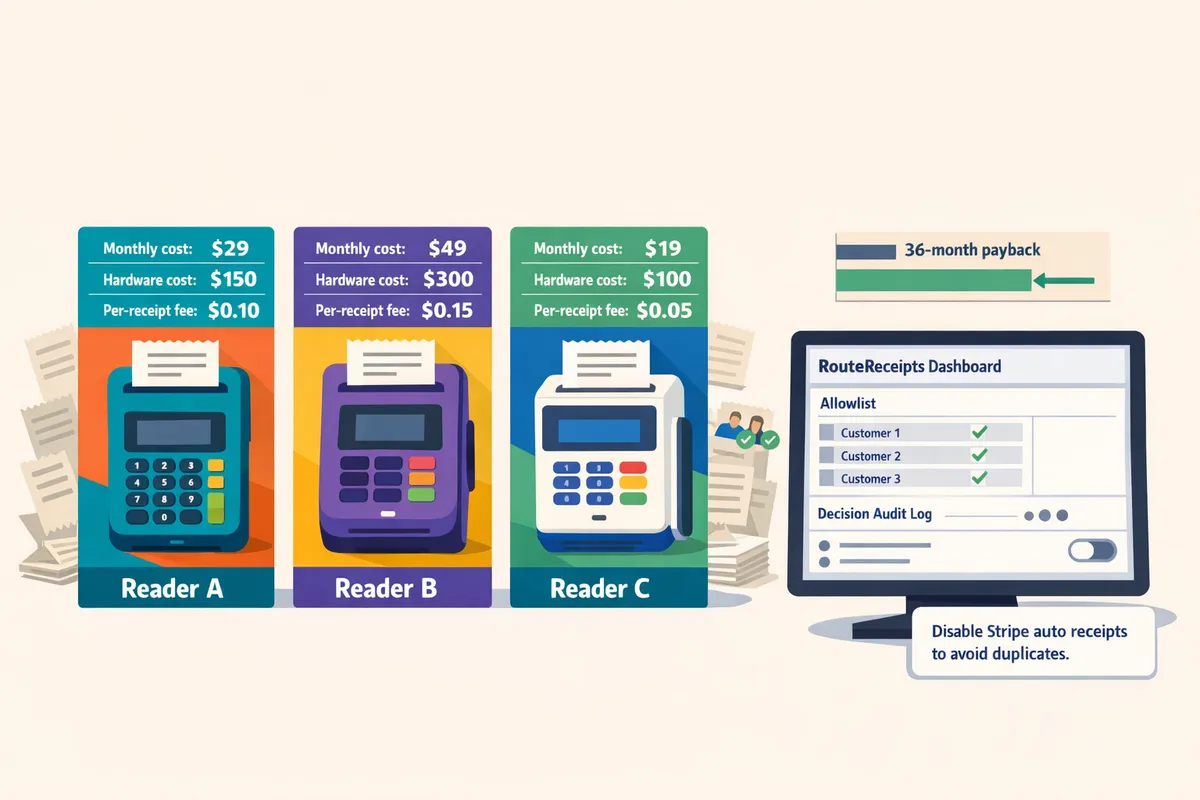
For configuration and allowlist setup that reduces printed receipts and manages selective delivery across devices, see the step-by-step Documentation and the FAQ on common receipt routing questions.
How do Stripe device features affect printed and email receipt workflows?
Device hardware and connectivity determine whether you can print at the terminal, rely on a companion printer, or default to email-only receipts. That choice changes staff steps at checkout, paper and supply costs in your total cost of ownership, and how you manage which customers receive receipts. Below we compare practical use cases, compatibility checks, procurement criteria, and a side-by-side feature table to help you match Stripe reader pricing 2026 to the receipt workflow you need.
Which Stripe reader for printed receipts? Choosing between M2, S700, S710 😊
Choose the reader that supports the print method your operation needs: integrated printer, companion Bluetooth printer, or email-only workflow. For high-volume retail counters that require instant paper receipts, prioritize a countertop reader with stable AC power and a dock or direct printer accessory to avoid mid-shift battery swaps and slow Bluetooth pairing. For mobile or curbside setups, choose a battery-powered reader (mobile) plus a compact Bluetooth printer or an email-first workflow to avoid carrying thermal rolls. For mixed floors with both fixed and mobile points of sale, select a device family where the same software and routing policies work across models so staff training is consistent.
Practical examples. A clothing boutique with 1,200 monthly transactions will lower queue time by using a docked countertop reader and a fast printer. A food truck that averages 200 transactions per month benefits most from a mobile reader plus emailed receipts to save paper and avoid replacing rolls during service.
Printer compatibility and third-party printers
Printer compatibility depends on your POS setup and whether you need a native terminal printer or an external unit. Before purchasing, verify these items with your POS provider or hardware reseller:
- OS and POS integration: confirm the reader and printer are supported by your POS software or middleware.
- Connectivity type: check if the printer uses Bluetooth, USB, Ethernet, or Wi-Fi and match that to your reader's supported ports.
- Paper size and driver expectations: confirm roll width and any required driver or firmware versions.
- Receipt formatting: test logo, tax line, and footer length to avoid truncated receipts.
Operational trade-offs. Built-in or docked printers simplify staff flow and reduce pairing issues but increase upfront reader cost and repair complexity. External printers keep reader replacements inexpensive and allow higher-speed printing, but add pairing and maintenance steps for staff. For step-by-step setup and troubleshooting, see our Documentation on installing receipt routing and disabling Stripe automatic receipts.
💡 Tip: Test print speed and paper roll change during a simulated rush to catch slow pairings or awkward refill steps before you buy.
Comparison criteria for device and receipt evaluation
Use consistent procurement criteria so device comparisons map directly to receipt costs and staff impact. Below are defined criteria to apply when comparing models and estimating Stripe reader pricing 2026 total cost of ownership.
- Upfront cost is the one-time hardware price plus any tax, shipping, and dock or printer accessory fees that affect initial spend.
- Receipt printing method is whether the device supports direct integrated printing, a docked accessory, external Bluetooth/USB printers, or email-only delivery.
- Connectivity is the network options the reader supports (Wi-Fi, LTE, Bluetooth) and how those affect uptime and roaming capability.
- Durability is expected ruggedness and warranty terms that influence replacement cycles and repair costs.
- Regional availability is whether the model and accessories ship to your country and the estimated import duties or local taxes.
- Receipt routing controls is the ability to selectively send email receipts to only the customers who need them; receipt routing is a setting that determines which customers receive transactional emails.
Apply these criteria to estimate monthly operating costs, staff time for handling receipts, and replacement frequency in a simple TCO workbook. For a procurement-focused guide and ROI scenarios, see Why Did We Build Route Receipts?
Side-by-side table: device features, printed receipts, and receipt routing
The table below compares M2, S700, S710 and representative competitors across price category, printer option, mobility, receipt routing, and primary TCO drivers.
| Device | Price category | Printer option | Mobility | Receipt routing | Primary TCO drivers |
|---|---|---|---|---|---|
| M2 (mobile) | Low–Medium | External Bluetooth or email-only | Handheld, battery-powered | Stripe default is all-or-none; RouteReceipts adds selective routing at the dashboard level | Battery replacements, external printer purchases, mobile data costs |
| S700 (countertop) | Medium | Dock/companion printer support or external USB/Ethernet | Fixed countertop (portable with dock) | Stripe default is all-or-none; RouteReceipts integrates to whitelist customers | Dock and accessory costs, repair vs replacement, staff training |
| S710 (retail-grade) | Medium–High | Often sold with richer accessory ecosystem for printers/docks | Designed for high-volume fixed checkout | Stripe default is all-or-none; RouteReceipts enables per-customer routing decisions | Higher upfront, lower downtime, accessory compatibility |
| Square Terminal (competitor) | Medium | Integrated printer on some models | Portable/Countertop options | Vendor controls routing to email; selective rules limited without add-ons | One-stop hardware/printer, limited dashboard routing flexibility |
| SumUp Air (competitor) | Low | External Bluetooth only | Mobile-first | Email receipts by default; selective routing requires external tooling | Low hardware cost, heavier reliance on receipts-by-email |
Use the table to identify which reader lowers hourly checkout time, which reduces recurring paper costs, and which aligns with your Stripe reader pricing 2026 budget targets.
Stripe native receipt routing limits and RouteReceipts' solution
Stripe's native receipt routing sends receipts to all customers or none by default, which creates either inbox clutter or missing receipts for different customer groups. That all-or-none behavior forces teams to choose between over-sending receipts to customers who do not want them and manual workarounds (tags, manual emails, or custom webhooks) for customers who do. The practical consequences include extra customer support tickets, finance teams spending time tracking missing receipts, and engineering time to maintain webhook filters.
Route Receipts is an app that integrates into the Stripe dashboard to give selective receipt delivery without custom code. Route Receipts lets you maintain an allowlist of customers and route receipts selectively from inside Stripe, keeps a decision audit log for compliance, and provides a dashboard-native setup that removes the need for ongoing engineering maintenance. The free plan includes 20 routed receipts per month, with paid tiers available for higher volumes. For installation steps and how to disable Stripe automatic receipts to avoid duplicates, consult Route Receipts' Documentation and the Frequently Asked Questions.
⚠️ Warning: If you disable Stripe's automatic receipts, verify Route Receipts or your replacement process is active before going live to avoid missing confirmations for customers and finance reconciliation.
For background on why selective routing matters and the design trade-offs we considered, read Why Did We Build Route Receipts? and The No‑Code Way to Route Customer Receipts in Stripe: Beginner’s Guide to Selective Delivery.
How to calculate total cost of ownership and ROI for Stripe readers and receipt handling?
Calculate total cost of ownership (TCO) by summing one-time hardware and accessory costs, recurring processing and software fees, taxes and shipping, and per-receipt consumables, then express that as monthly and annual totals for direct comparison. Use a simple workbook to convert all line items to a monthly basis and compare against rental or mobile-reader alternatives to find break-even points. The steps below give a reusable spreadsheet layout, three conservative ROI scenarios, decision rules for buying versus renting, and how Route Receipts reduces receipt-related costs and operational risk.
TCO workbook: items to include and how to model them 🧾
A TCO workbook should list every one-time and recurring expense, then convert them to a common monthly basis for comparison.
Include these line items as distinct spreadsheet rows. Convert one-time items to monthly by dividing by expected lifespan (months):
- One-time hardware: reader unit price (e.g., S700, M2).
- One-time accessories: docks, printers, cables.
- Shipping and import taxes: percent of hardware + accessories.
- Expected lifespan: realistic months of service (typical 24–60 months).
- Monthly processing fees: estimated % of sales and fixed per-transaction fees.
- Monthly software/subscription fees: Terminal apps, route tools like Route Receipts.
- Per-receipt printed cost: paper + ink + staff handling time (e.g., $0.03 + $0.02).
- Maintenance and replacement reserve: monthly buffer for repairs.
Simple monthly TCO formula to paste into a cell: Monthly TCO = (Hardware + Accessories + Shipping+Taxes) / Lifespan_months + Monthly_processing_fees + Software_fee + (Per_receipt_cost * Monthly_receipts) + Maintenance_reserve
💡 Tip: Disable Stripe's automatic receipts when using selective routing to avoid duplicate emails; see the Route Receipts documentation for step-by-step instructions.
See the Route Receipts documentation for setup and receipt-routing details and the FAQ for plan and usage questions.
ROI scenarios: break-even for 200, 1,000, and 5,000 transactions per month 📈
Break-even depends on average ticket, the processing-rate difference you expect from a dedicated reader, and how quickly the reader cost amortizes.
Reproduce these scenarios in a spreadsheet using three inputs and two formulas. Inputs to set: 1) Reader upfront total (unit + accessories + shipping/tax). 2) Lifespan in months. 3) Processing-rate advantage (percentage points saved by using the dedicated reader). Formulas: 1) Monthly amortization = Upfront_total / Lifespan_months. 2) Monthly processing savings = Monthly_volume * Processing_rate_delta.
Assumptions for the sample table (illustrative only): reader upfront = $350, accessories = $50, shipping/tax = 10% of hardware+accessories, lifespan = 36 months, conservative processing-rate improvement = 0.25 percentage points (0.0025). Average ticket = $25 for all scenarios.
| Monthly transactions | Monthly volume | Processing savings/month | Reader amortization/month | Net monthly benefit | Months to break-even |
|---|---|---|---|---|---|
| 200 | $5,000 | $12.50 | $12.22 | $0.28 | 1,571 |
| 1,000 | $25,000 | $62.50 | $12.22 | $50.28 | 8.75 |
| 5,000 | $125,000 | $312.50 | $12.22 | $300.28 | 1.47 |
Step-by-step to reproduce:
- Put upfront costs in cells and calculate total upfront = unit + accessories + (unit+accessories)*tax_rate.
- Compute monthly_amort = total_upfront / lifespan_months.
- Calculate monthly_volume = transactions * avg_ticket.
- monthly_savings = monthly_volume * processing_rate_delta.
- net_benefit = monthly_savings - monthly_amort - software_fee (if any).
- months_to_break_even = total_upfront / net_benefit (only when net_benefit > 0).
These examples show buying rarely pays back at very low volumes (200 tx/mo) unless the processing-rate gap or average ticket is much larger. Adjust the processing_rate_delta and software_fee to match your negotiated pricing and compare results.
When to buy hardware versus use mobile or third-party readers 🔁
Buy dedicated hardware when stable monthly volume, required printed receipts, or features like integrated printers and offline transactions justify the upfront cost.
Business signals that favor purchase:
- Consistent monthly transactions above the break-even threshold from your workbook (use the sample scenarios as a starting point).
- Regular need to print receipts at point of sale or provide physical proof for compliance.
- Offline transaction capability required for unreliable connectivity.
- Desire for a fixed device footprint and faster staff workflows (fewer phone swaps, dedicated kiosk).
Signals that favor mobile or third-party readers:
- Highly variable or seasonal volume where amortization would remain negative much of the year.
- Low-margin or low-ticket businesses where processing-rate improvements are minimal.
- Need for rapid deployment with minimal capital outlay or frequent staff turnover.
If you want a rule of thumb: run the TCO workbook, then buy only if monthly_savings consistently exceed monthly_amortization plus any software fees and expected maintenance. For guidance on receipt strategy and when selective delivery matters, read Why Did We Build Route Receipts? and the no-code guide to selective delivery.
How Route Receipts reduces TCO and operational risk 🛡️
Route Receipts reduces operational cost by letting you send receipts only to customers who need them, which cuts support load, avoids unnecessary printed and emailed receipts, and removes the need for custom webhook maintenance.
Key Route Receipts capabilities that lower costs:
- Dashboard-native allowlist so teams manage who receives receipts without engineering changes.
- Decision audit log for transparency and dispute defense, reducing time spent on support tickets.
- Simple Marketplace install and a UI to disable Stripe automatic receipts to prevent duplicates.
- Tiered plans that include a free option for low-volume users.
Example impact: if 20% of transactions don’t require emailed receipts and each printed receipt costs $0.05 in consumables and handling, reducing those prints saves direct costs and frees staff time for other tasks. Route Receipts also eliminates the engineering time and risk of maintaining webhook filters, which often adds hidden monthly cost to TCO.
For setup steps, troubleshooting, and plan details see the Route Receipts documentation and our FAQ. For the product rationale and operational examples, see Why Did We Build Route Receipts? and the no-code implementation guide.
Frequently Asked Questions
This FAQ answers the most common buyer questions about Stripe reader pricing 2026, printed receipts, and how Route Receipts manages receipt delivery. Use the short answers below to compare device landed costs, decide on a printer workflow, and learn how Route Receipts installs and operates inside Stripe.
How much does a Stripe Reader cost in 2026?
A Stripe Reader's retail cost varies by model, region, and optional accessories. Check the vendor price for the specific model you want and then add VAT, shipping, local duties, and any optional warranty or dock to compute the landed cost. For budgeting, build a simple total cost of ownership that combines one-time hardware spend plus expected monthly processing fees and receipt consumables. If you want a walk-through for calculating monthly break-even points for different volumes, see our blog that explains device TCO scenarios and ROI comparisons.
Do Stripe readers print receipts directly? 🖨️
Some Stripe readers print receipts directly while others rely on companion printers or email-only workflows. For example, certain countertop models support integrated or attached printers, but many portable or tablet-first readers expect the POS to route printing to a networked receipt printer or to send an email receipt. Confirm the reader model's specification and how your POS connects to printers before assuming on-device printing will work. Our documentation on receipt workflows shows common setups for email-first and printer-attached configurations.
Which Stripe reader is best for printed receipts? 🤔
The best reader for printed receipts depends on receipt volume, portability needs, and budget constraints. Choose a countertop model with an integrated or supported peripheral if you print dozens of receipts daily; choose a portable reader if mobility matters and rely on email receipts or a Bluetooth printer for low-volume locations. Compare Stripe M2 vs S700 vs S710 receipts in our device comparison table to match printer support, battery life, and accessory costs to your workflow and monthly receipt counts.
How does Route Receipts integrate with Stripe to control email receipts?
Route Receipts installs from the Stripe Marketplace and routes invoice receipt delivery using a dashboard-native allowlist. Our product uses the Stripe dashboard UI so teams can create an allowlist of customer emails or IDs, view a decision audit log, and manage plans without writing custom webhooks. Follow our step-by-step setup in our Documentation for installing Route Receipts, disabling Stripe's automatic receipts to avoid duplicates, and testing routing rules.
💡 Tip: Always disable Stripe's automatic receipts before enabling Route Receipts to prevent duplicate emails. See our Documentation for the exact steps.
Will Route Receipts change my Stripe processing fees?
Route Receipts only controls which customers receive invoice receipt emails and does not change Stripe processing fees or settlement timing. Your card processing rates, disputes, and payouts continue to be handled by Stripe as before. Our FAQ explains usage limits, plan tiers, and how routing decisions do not affect billing or reconciliation.
Can I use third-party printers with Stripe Terminal? 🖧
You can use third-party printers in certain Stripe Terminal setups, but compatibility depends on your POS software and how the terminal connects to the printer. Test the full checkout flow (card present, receipt generation, and printing) in a live location before rolling out across stores to catch driver, network, or integration issues. For common compatibility notes and troubleshooting, consult our Blog and Documentation where we show sample printer pairings and test checklists.
Related reading: see Why Did We Build Route Receipts? for the product rationale and The No‑Code Way to Route Customer Recipts in Stripe for a beginner setup guide.
Choose the Stripe reader and receipt workflow that minimizes long-term costs and customer friction.
Pick a reader based on upfront hardware, receipt printing needs, and regional fees rather than headline price alone. Stripe reader pricing 2026 varies by model and region, so compare five-year total cost of ownership (hardware, replacement, and receipt handling) before you buy. For background on why selective receipt routing matters for operational cost and inbox noise, see Why Did We Build Route Receipts?.
RouteReceipts is a specialized application designed to enhance the way businesses manage their Stripe receipt distribution. It fixes Stripe’s all-or-none receipt behavior by letting you maintain an allowlist in the Stripe dashboard, provide an audit log for decisions, and install from the Stripe Marketplace without custom webhooks. The app has a tiered model with a free plan that includes 20 receipts per month; see the Documentation for setup and plan details.
Schedule a consultation with our team to map your transaction volumes to the right reader and receipt workflow and get a tailored recommendation. If you prefer a no-code first look, review The No‑Code Way to Route Customer Receipts in Stripe: Beginner’s Guide to Selective Delivery for practical setup steps.