
Stripe receipt_email API: Node, Python and PHP Examples
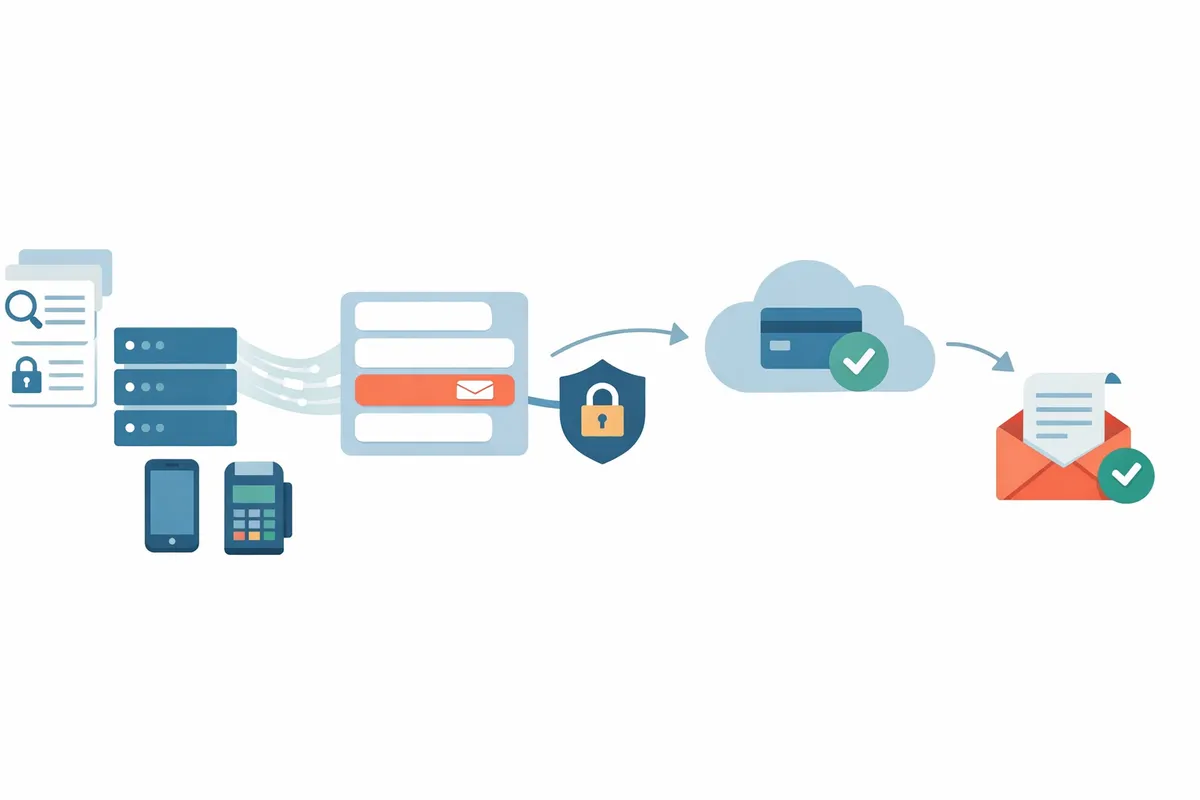
Setting receipt_email on a Stripe PaymentIntent makes Stripe email a receipt to that address when a live-mode payment succeeds, even if your Dashboard receipt setting is off. This guide shows where to set it in Node, Python and PHP, which objects accept it, what happens in test mode, and how to handle errors, all without a webhook.
What does receipt_email do in the Stripe API?
receipt_email is the address Stripe sends a payment's receipt to, and setting it on a live-mode PaymentIntent triggers a receipt regardless of your email settings. Stripe's receipts documentation describes the rules that matter for a server-side integration:
- Stripe sends a receipt only after the payment succeeds. Failed and declined payments get none.
- For payment methods with delayed confirmation (ACH Direct Debit, SEPA Direct Debit, bank transfers), the receipt goes out after Stripe confirms the payment.
- If no
receipt_emailis set, Stripe falls back to the email address of the payment's Customer, if the payment has one. - Test payments do not send automatic receipt emails. You can send a test receipt manually from the Dashboard.
That fallback matters. If a customer is attached and the Dashboard's "Successful payments" setting is on, the customer already gets a receipt without you doing anything. Setting receipt_email is for the cases where you want to choose the recipient or the moment yourself.
How do you set receipt_email on a PaymentIntent?
Pass receipt_email when you create the PaymentIntent, and Stripe sends the receipt when the payment succeeds. The same call works in each server library.
Node:
const stripe = require('stripe')process.env.STRIPE_SECRET_KEY)

const paymentIntent = await stripe.paymentIntents.create({
 amount: 4900,
 currency: 'usd',
 automatic_payment_methods: { enabled: true },
 receipt_email: 'billing@example.com',
})
Python:
import os, stripe
stripe.api_key = os.environ["STRIPE_SECRET_KEY"]

payment_intent = stripe.PaymentIntent.create
 amount=4900,
 currency="usd",
 automatic_payment_methods={"enabled": True},
 receipt_email="billing@example.com",
)
PHP:
$stripe = new \Stripe\StripeClient(getenv('STRIPE_SECRET_KEY'));

$paymentIntent = $stripe->paymentIntents->create([
 'amount' => 4900,
 'currency' => 'usd',
 'automatic_payment_methods' => ['enabled' => true],
 'receipt_email' => 'billing@example.com',
]);
The amount is in the smallest currency unit, so 4900 is $49.00. Nothing is sent when you create the PaymentIntent. The email goes out later, when the customer confirms and the payment succeeds.
Can you change receipt_email after the PaymentIntent exists?
Yes, the PaymentIntent update call accepts receipt_email too, so you can set it any time before the payment succeeds. Use it when the email is only known at the last step of your checkout:
await stripe.paymentIntents.update('pi_123', {
 receipt_email: 'accounts@example.com',
})
The update endpoint documents the same behavior as create: with the field set on a live-mode payment, a receipt is sent regardless of your email settings.
For a payment that has already succeeded, the Charge object is the place to look. The charge update endpoint says that if receipt_email is updated, a new email receipt is sent to the updated address. That makes it the programmatic way to send a receipt after the fact:
charge_id = payment_intent.latest_charge
stripe.Charge.modify(charge_id, receipt_email="accounts@example.com")
If you only want to let a customer re-read a receipt, the charge's receipt_url attribute gives a link to view it in a browser. Stripe's docs note that such links expire after 30 days, and the customer can request a fresh one by entering the original email address.
PaymentIntents vs Charges: which one should you set it on?
Set it on the PaymentIntent for new payments and on the Charge only to resend or redirect a receipt after the fact. A PaymentIntent is the object you create and confirm, while a Charge is the record Stripe creates underneath it. Both objects carry a receipt_email field, but they play different roles.
| PaymentIntent | Charge | |
|---|---|---|
| When you set it | Create, update or confirm, before success | After the charge exists |
| What triggers the email | The payment succeeding | Updating the field |
| Typical use | Choose the recipient for a new payment | Send a receipt to a new address later |
| Test mode | No automatic email | No automatic email |
For Checkout Sessions, the field is payment_intent_data.receipt_email on the session create call. For in-person payments, see our guide to the Terminal SDK vs the API for receipts.
How do you test it?
Test-mode payments do not send automatic receipts, so verify the field in the API response and send a test receipt by hand if you want to see the email. Stripe's docs say you can send a manual receipt for a test payment from the Dashboard: open the payment, find Receipt history, and choose Send receipt.
A practical check, in order:
- Create the PaymentIntent in test mode and read
receipt_emailback from the response to confirm the value was stored. - Confirm it with a test card such as
4242 4242 4242 4242. - Open the charge in the Dashboard and look at Receipt history.
- Switch to live keys with a real low-value payment before you ship, because live mode is the only mode that sends the automatic email.
If receipts do not arrive in live mode, Stripe Receipts Not Sending: 9 Fixes walks through the usual causes.
How do you handle errors?
Wrap the call so an invalid email fails your own request cleanly instead of surfacing as an unhandled exception. Validate the address format yourself first, then catch the library's invalid-request error around the call:
try {
 const pi = await stripe.paymentIntents.create({
 amount: 4900,
 currency: 'usd',
 receipt_email: email,
 })
 return pi.client_secret
} catch (err) {
 if (err.type === 'StripeInvalidRequestError') {
 // bad parameter, such as a malformed email: show a form error
 }
 throw err
}
Python raises stripe.error.InvalidRequestError (stripe.InvalidRequestError in newer library versions), and PHP raises \Stripe\Exception\InvalidRequestException. One point keeps the flow honest:
- A successful create call does not mean a receipt will be sent. It only means the field was accepted. The send depends on the payment later succeeding.
When should you not rely on receipt_email?
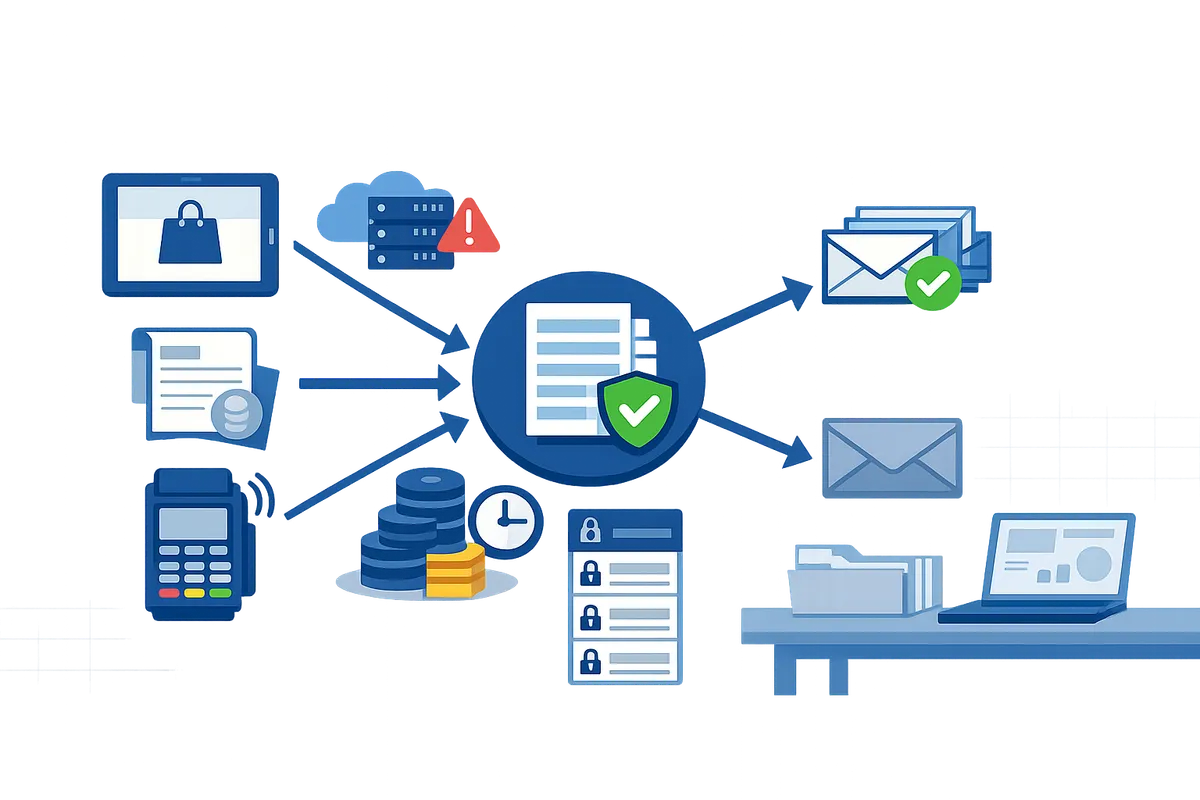
receipt_email is a good fit when your own code creates every payment and knows who should get a receipt. It gets awkward when the payments come from several places, such as Payment Links, invoices, Terminal and Checkout, because each needs its own handling and your code only sees the ones it creates.
Another limit is the Dashboard setting. Leave "Successful payments" on and you are sending receipts to every customer with an email on file, plus the ones you set by hand, which can mean two emails for one payment. Turning it off is covered in Disable Stripe Successful Payments Receipt Emails.
If the real requirement is "only some customers get receipts," writing that into every payment path gets repetitive. Route Receipts, a Stripe App from Route Receipts, handles that case without code or webhooks. You turn off Stripe's "Successful payments" emails, add the customers who should get receipts to an allowlist (by Stripe customer ID, email or both), and the app sets the charge's receipt email for them so Stripe sends its standard receipt. Customers not on the list get none. The allowlist approach is explained in Stripe Receipts Allowlist: Send Receipts to Chosen Customers. Pricing starts at a free plan with 20 receipts a month.
FAQ
Does receipt_email work in test mode?
No automatic email is sent for test payments. The field is stored, and you can send a test receipt manually from the Dashboard.
Does Stripe send a receipt if I set receipt_email but the Dashboard setting is off?
Yes, for a live-mode payment. Stripe's API reference says a receipt is sent regardless of your email settings when the field is specified.
Is there a receipt for a failed payment?
No. Stripe sends receipts only after a payment succeeds.
How do I send a receipt for a payment that already succeeded?
Update receipt_email on the Charge. Stripe's reference says a new receipt is sent to the updated address. You can also send one by hand from the payment's Receipt history in the Dashboard.
Can I send one receipt to several addresses?
The API field takes one address. The Dashboard's manual send accepts a comma-separated list of recipients.