
Which Customers Should Receive Stripe Receipts? 2026
A single misrouted receipt can trigger dozens of support tickets and cost finance teams hours each month. Which customers should receive receipts from Stripe is a decision framework that identifies buyers who need official invoices versus those who prefer no email clutter. This article explains how to decide which customers should receive receipts from Stripe and how to route them using RouteReceipts. RouteReceipts is our Stripe app that uses an allowlist in the dashboard to send receipts only to selected customers without custom webhooks or code. See our documentation and FAQ for setup, plans, and data handling. Later sections outline four practical allowlist rules for common customer types.
Customers who need receipts are those using receipts for reimbursement, tax, or accounting. Who in my customer base should receive Stripe receipts?
Most customers who should receive receipts are corporate buyers, finance teams, and any payer who needs documentation for reimbursement, tax filing, or bookkeeping. Our website recommends routing receipts selectively to reduce inbox noise and prevent support tickets tied to misrouted finance communications. RouteReceipts is a Stripe app that makes allowlist management for Stripe receipt emails easy from the Stripe dashboard, and it offers a free plan that includes 20 receipts per month.
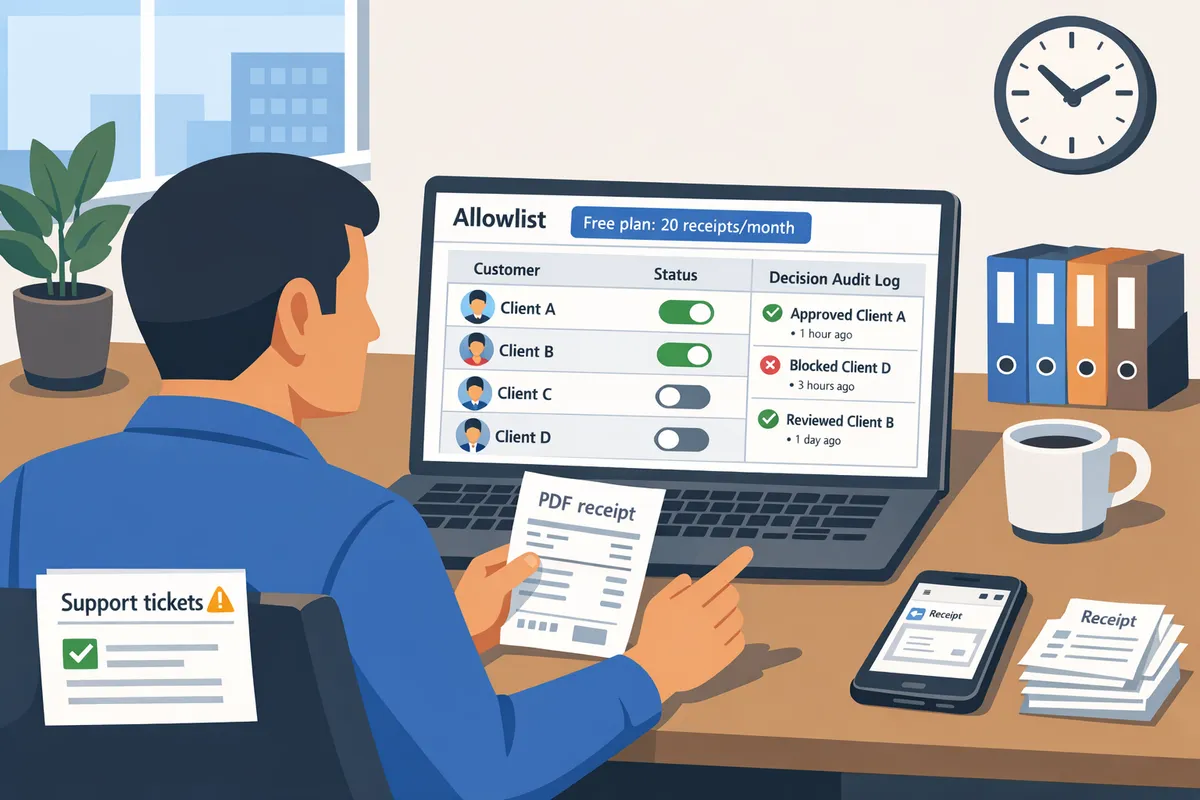
Enterprise and B2B customers 🧾
Enterprise and B2B customers should receive receipts when purchases tie to purchase orders, corporate billing addresses, or explicit requests for PDFs for expense reporting. Companies that require receipts typically meet one or more of the following criteria:
- The invoice lists a purchase order number or PO field in metadata.
- The payer uses a corporate billing email (accounts.payable@company.com or a verified billing domain).
- The buyer explicitly requests an expense-ready PDF for reimbursement or audit.
Our website recommends enforcing these criteria through allowlist membership so only verified corporate contacts get emails. RouteReceipts lets you add customer IDs, emails, or billing domains to an allowlist and logs each routing decision for audits. For a step-by-step no-code setup to create these rules from the Stripe dashboard, see our beginner's guide to selective delivery.
Retail and individual customers 🧾
Most retail customers do not need automated receipts unless they opt in or the purchase affects returns, warranties, or tax claims. Send receipts for retail purchases in these scenarios:
- High-value items that require warranty registration or insurance claims (for example, purchases above $200). This is an illustrative threshold; adjust by product and return policy.
- Items eligible for tax deductions or business expense claims, when the buyer indicates that purpose at checkout.
- Customers who explicitly request receipts during checkout or in their account settings.
Our website suggests conditional rules to avoid clutter: make email receipts conditional on opt-in or on a transaction property like amount or SKU. RouteReceipts supports conditional allowlist rules so you can send receipts only when the buyer meets retail criteria. For an implementation walkthrough that does not require code, see How to Limit Stripe Receipts to Chosen Customers (Step‑by‑Step, No Code).
Marketplace sellers and vendors 🧾
Marketplace participants should receive receipts when the document is needed for payout reconciliation, VAT reporting, or seller accounting records. Use these routing rules:
- Send receipts to the platform finance inbox for marketplace fees and platform-level invoices.
- Send receipts to the individual seller or vendor for transactions that affect their payout or tax reporting.
- Include both the seller and the end customer as recipients when platform policy requires separate records for each party.
Misrouting receipts can cause duplicate bookkeeping entries, VAT misreporting, and delayed reconciliations. Our website recommends mapping transaction types to recipient roles and enforcing that mapping with allowlist rules. RouteReceipts can route by seller ID, vendor email, or transaction tag and records who received each receipt for reconciliation audits. See our documentation for marketplace-specific routing patterns and the FAQ for common troubleshooting steps.
Edge cases and exceptions ⚠️
Tax-exempt organizations, customers without emails, and invoices that require multiple recipients need custom routing rules to avoid compliance gaps or missing records. Handle each case like this:
- Tax-exempt entities. Add a tax-exempt flag or billing-note to the customer profile and route receipts to the organization's finance contact rather than the individual payer.
- No-email customers. Require a billing contact email before sending automated receipts. If none exists, route a PDF to your finance mailbox and attach a note to the customer record so accounting can supply the file on demand.
- Multi-recipient invoices. Create allowlist entries for all required addresses (for example, accounts.payable plus the requester) and use RouteReceipts' audit log to prove delivery.
💡 Tip: Confirm billing contact addresses before adding distribution lists to your allowlist. A simple verification step prevents sending receipts to inactive or monitored mailboxes.
Our website recommends building fallback behaviors into your routing policy so no invoice is left undocumented. RouteReceipts supports multi-address allowlist entries and records fallback decisions in the dashboard audit log. For troubleshooting common failure modes like missing or duplicate receipts, review our docs and FAQ for practical fixes.
For more background on why selective routing reduces finance noise, see Why Did We Build Route Receipts? and reference the beginner's guide for detailed setup instructions.
Which real-world scenarios call for selective receipt routing? Which common use cases require targeted receipts from Stripe?
Selective receipt routing matters when the payer, the billed account, and the accounting contact differ and each party needs different documentation. RouteReceipts gives teams allowlist management for Stripe receipt emails and lets you pick who receives receipts; our free plan starts with 20 receipts per month. Below are concrete routing rules for subscriptions, one-time purchases, and refunds, plus a comparison table to help you pick a policy fast.
Subscription billing and recurring invoices 🔁
Send subscription receipts to the billing account or finance contact, not to incidental end users. For corporate cards and company-paid subscriptions, route receipts to the central billing address (for example, finance@acme.com) to support expense reconciliation and tax reporting. Example: a 30-seat SaaS customer using a company card should receive monthly receipts at the finance contact and not at each seat holder to avoid inbox clutter and duplicate reimbursements.
Routing rules to apply with RouteReceipts:
- If customer record has a company email on file, send to billing contact only.
- If payment uses a third-party payer, add both payer and billed account to the allowlist.
- For shared accounts, default to finance contact and suppress per-user receipts.
Operational benefits: fewer finance tickets, consistent bookkeeping, and a decision audit log that shows who received each receipt. See our no-code setup in the Beginner’s Guide to Selective Delivery for step-by-step allowlist examples.
One-time purchases and checkout flows 🛒
One-off purchases should default to no receipt unless the buyer explicitly requests one or the payment requires tax documentation. For digital goods and low-value sales, send receipts only when the customer opts in or when a business email is provided. Example: a $3 in-app purchase typically does not need an emailed receipt; a $150 software add-on paid by a contractor should generate a receipt if the buyer checks "send receipt" or supplies a company email.
Practical decision rules:
- Set a monetary threshold (for example, $50) above which receipts are automatic.
- Use a checkout checkbox or metadata flag to indicate "receipt requested."
- If the buyer’s email matches a known corporate domain, route to the billing contact via RouteReceipts.
💡 Tip: Put the "send receipt" checkbox near payment details and store the choice as metadata so RouteReceipts can apply the rule without custom code.
For implementation examples, see our step-by-step guide on how to limit Stripe receipts to chosen customers.
Refunds and partial payments ↩️
Refunds and partial captures should generate a clear, separate receipt or credit note sent to any party that needs an accounting record. For a full refund, issue a refund receipt to the original payer; for partial refunds or partial captures, send a credit note that shows the adjusted balance and the remaining obligation. Example: when refunding 40% of an annual subscription, send a credit note to both the payer and the finance contact if the original payment was company-funded.
How RouteReceipts handles exceptions:
- Configure refund exceptions so refunds always notify the original payer even if they are not on the allowlist.
- For tax-relevant refunds, route copies to the billing contact by default.
- Log refund notifications in the audit trail for later reconciliation.
⚠️ Warning: Leaving Stripe's automatic receipts enabled while using selective routing causes duplicate emails. Disable automatic receipts and follow our docs to prevent duplicates.
See the documentation for troubleshooting common failure modes and audit-log examples.
Which customers get receipts by business model and billing scenario?
| Business model | Primary recipient | Routing rule (quick) | Common exceptions | Why RouteReceipts helps |
|---|---|---|---|---|
| B2B (small-to-midsize) | Finance contact / billing email | Default to billing contact; send to payer if different | Contractor-paid purchases, split invoices | Keeps expense reports tidy and reduces support tickets |
| B2C (retail, direct-to-consumer) | Buyer email (opt-in) | Only send when buyer opts in or over threshold | Gift purchases, guest checkouts without email | Reduces inbox clutter for consumers and lowers unsubscribe risk |
| Marketplaces (platform + sellers) | Payer + seller (as needed) | Route to platform by default; add seller when transaction affects payout | Refunds that reverse a seller payout | Prevents payout disputes and centralizes tax docs |
| Enterprise (named accounts) | Central procurement / AP team | Always send to procurement address; archive copies to account owner | Third-party payers, multiple billing contacts | Ensures PO matching and faster AP processing |
Each row maps a policy you can enforce with RouteReceipts' allowlist and audit log. For a no-code walkthrough of these policies, see our Beginner’s Guide to Selective Delivery and the step-by-step setup article.
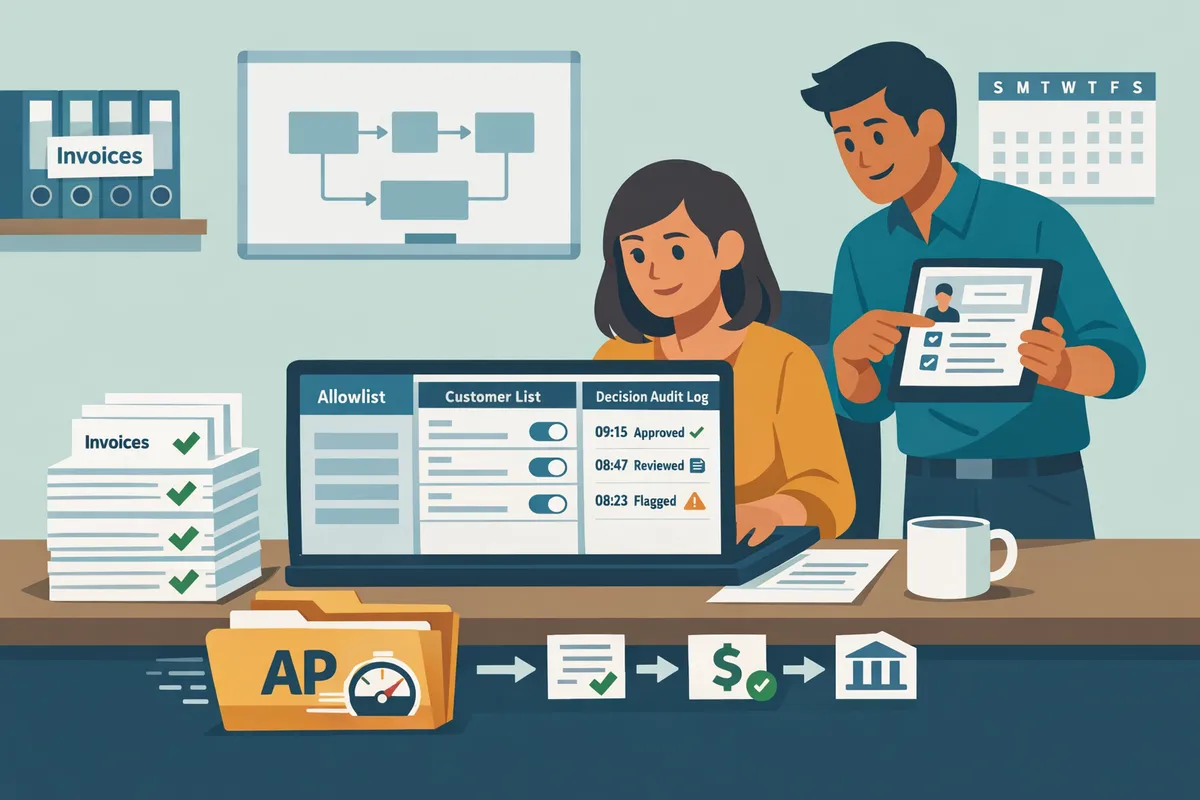
How do I implement selective receipt routing with RouteReceipts and Stripe? RouteReceipts uses an allowlist and dashboard-native controls to send receipts only to selected customers.
RouteReceipts reduces support load and accidental receipt noise by routing invoice emails only to the customers you choose. This section gives a compact, step-by-step implementation path, explains the allowlist decision order, and outlines operational practices and troubleshooting checks your finance and support teams can use. Follow the links to our detailed docs and beginner guide for screenshots and full walkthroughs.
Step-by-step setup: install RouteReceipts and create your first allowlist 🔧
Install RouteReceipts from the Stripe Marketplace, connect it to your Stripe account, and create an allowlist in our dashboard before testing with a sample invoice.
- Open the Stripe Marketplace listing and choose RouteReceipts.
- Authorize RouteReceipts for the Stripe account you will manage.
- In our dashboard, follow the quick-start wizard to configure routing preferences.
- If you plan to use only allowlist routing, disable Stripe's automatic invoice receipts to avoid duplicates. See our documentation for the exact toggle and the recommended testing steps.
- Add a small set of customers to the allowlist (by Stripe customer ID or email) and send a sample invoice to verify the routed receipt arrives as expected.
- Confirm the decision and delivery appear in the RouteReceipts audit log.
Refer to our step-by-step install guide in the docs for screenshots and the no-code checklist in the beginner's guide: Documentation and The No‑Code Way to Route Customer Receipts.
How does the allowlist-based decision logic work? 🤖
RouteReceipts evaluates each invoice by checking allowlist membership first, then applying any per-product or per-customer rules, and finally falling back to your default Stripe behavior.
- Step 1: Allowlist check. If the customer is on the allowlist, RouteReceipts routes the receipt.
- Step 2: Per-product and per-customer rules. You can override allowlist behavior for specific products, plans, or customer-level preferences (for example, always-send for enterprise subscriptions).
- Step 3: Fallback. If no rule applies, the system defers to your Stripe settings (usually no routed receipt). Every routing decision is recorded in our decision audit log with the customer ID, rule matched, timestamp, and outcome to support audits and dispute resolution. See the docs for a sample audit entry and export options: Documentation.
How should teams manage and scale allowlist management for Stripe receipt emails? 📋
Teams should assign ownership, use structured naming, import in bulk when possible, and run scheduled reviews to keep the RouteReceipts allowlist accurate.
- Ownership. Appoint a single owner in finance or billing to approve allowlist changes.
- Naming conventions. Use tags like "AP-Expense", "Tax-Document", or "Enterprise-PO" on each allowlist entry so reviewers know why an email is allowed.
- Bulk imports and exports. Use CSV imports for large account migrations and our bulk-delete option to remove expired entries.
- Review cadence. Run a monthly or quarterly audit where the owner validates why each entry remains active.
- Integration. Sync with your CRM export of paying entities to reduce manual entry errors.
💡 Tip: Add a reason code to each allowlist entry (expense, tax, accounting). That simple field halves review time during audits.
For detailed steps on bulk operations and ownership roles, see our docs and FAQ: Documentation and Frequently Asked Questions.
Branding, templates, and content controls in RouteReceipts. 🎨
RouteReceipts lets you control logo, footer wording, and extra fields on routed receipts while preserving Stripe's core template formatting.
- Logo and header. Upload the brand logo in our dashboard so routed receipts match your company identity.
- Footer and legal text. Add tax notices, AP instructions, or a billing contact line.
- Extra fields. For enterprise buyers, include purchase order or billing codes in the receipt body when needed.
- When to customize. Customize for customers who file receipts into corporate expense systems or require AP instructions. Use Stripe defaults for retail consumers to avoid confusing extra fields.
Our UI shows a live preview that mirrors Stripe's receipt layout so you can confirm how changes render. For implementation notes and suggestions on minimal vs. full customization, review our docs: Documentation.
Troubleshooting missing or duplicate receipts. What should I check when receipts do not arrive or send twice? 🔍
Start troubleshooting by verifying the customer email, checking whether Stripe automatic receipts are still enabled, and inspecting the RouteReceipts audit log for the routing outcome. Common failure modes and fixes:
- Incorrect email on file. Confirm the email on the Stripe customer record and resend the routed receipt.
- Conflicting senders. If Stripe's automatic receipts remain enabled, both systems can send. Disable Stripe automatic receipts when using RouteReceipts.
- Duplicate customer records. Multiple Stripe customers using the same email can trigger duplicate sends; consolidate or use per-customer rules.
- Allowlist misconfiguration. Ensure you added the correct identifier (Stripe customer ID vs email). Replace mistaken entries and retry.
- Delivery delays. Check the audit log timestamp; webhooks may delay delivery but will show the decision.
⚠️ Warning: If you keep Stripe automatic receipts enabled while using RouteReceipts, customers can receive duplicate emails.
For a step-by-step diagnostic checklist and remediation commands, see our troubleshooting guide and FAQ: Documentation and Frequently Asked Questions.
Expected operational results and KPIs after implementing selective routing. 📈
Measure the impact by tracking the decrease in nonessential receipt emails, the drop in support tickets about unwanted messages, and the finance team's time saved on receipt cleanup. Key metrics and how to measure them:
- Receipt traffic reduction. Use the RouteReceipts audit log to count routed versus blocked receipts before and after the change.
- Support ticket volume. Compare monthly tickets mentioning "receipt" or "email" pre- and post-deployment.
- Finance hours saved. Have billing staff record time spent on receipt reconciliation for 30 days before and after to quantify savings.
- Accuracy of routing. Monitor audit log mismatches and false positives; aim for near-zero mismatches by following the allowlist review process.
For a suggested measurement plan and sample queries you can run against the audit log, see our docs and the no-code implementation guide: Documentation and How to Limit Stripe Receipts to Chosen Customers (Step‑by‑Step, No Code).
Frequently Asked Questions
This FAQ answers operational questions about selective receipt routing, allowlists, refunds, and Route Receipts integration. Find concise Q&A on setup, duplicate suppression, refund behavior, data security, and changing rules so you can act quickly.
Can I send receipts to only some customers in Stripe using Route Receipts? 🤔
Yes. Route Receipts is an app that routes invoice receipt emails only to customers on an allowlist so you do not need custom webhooks. Route Receipts integrates directly into your Stripe dashboard and evaluates each invoice event against the allowlist before sending a receipt. For a step-by-step, non-technical walkthrough see our No‑Code guide to selective delivery and the install steps in the Documentation.
How do I create an allowlist for Stripe receipts inside Route Receipts? 🛠️
Install the Route Receipts app, open the allowlist tool in our dashboard, add customers by email or Stripe customer ID, and save the rules. You can add single customers manually or import batches from CSV for high-volume onboarding. The dashboard shows which rule matched each decision and writes an audit log entry for every mapped customer; full bulk-import instructions live in the Documentation.
Will Route Receipts stop Stripe from sending all automatic receipts by default? ❓
No. Route Receipts coordinates with your Stripe settings and does not automatically change your Stripe receipt preferences without your confirmation. To avoid duplicate emails, we recommend turning off Stripe's automatic invoice receipts and letting Route Receipts send only when an allowlist match occurs, or keep Stripe enabled for all receipts and use Route Receipts only to suppress selected messages. See our troubleshooting notes on duplicate or missing receipts in the Documentation.
⚠️ Warning: Always test receipt settings in a Stripe test account before changing production settings to avoid sending duplicate or missing receipts.
Do receipts get sent for refunds or partial refunds when using selective routing? 💸
Yes. Refund and partial-refund notifications follow the same allowlist rules that govern invoice receipts. Refunds are separate Stripe events, so Route Receipts evaluates the refund's customer object or email against the allowlist before sending a refund notice. If your workflow requires different recipients for refunds than for invoices, create a dedicated allowlist entry or tag those customers in the dashboard; see the FAQ for examples of multi-recipient handling.
How secure is customer data when using Route Receipts? 🔒
Route Receipts only reads the Stripe objects necessary to make routing decisions and stores minimal routing metadata to support audit logs and billing. According to our privacy policy, we store routing decisions and metadata rather than full payment details, and access runs through Stripe Marketplace OAuth so you control permissions. For retention windows, third-party services, and user rights, review the Route Receipts privacy policy.
Can I change allowlist rules after they are applied to existing customers? 🔁
Yes. Changes to allowlist rules take effect immediately for new invoice and refund events, and the decision audit log records prior routing choices for compliance and troubleshooting. Existing receipts already delivered are not retroactively altered; if you need a past receipt resent after a rule change, resend from Stripe or use the Route Receipts dashboard resend option as documented in the help center.
Send receipts only to customers who need them.
Decide receipt recipients by business need: send receipts to accounts that require expense proof or tax documentation, and skip customers who prefer fewer emails. Identifying which customers should receive receipts from Stripe reduces inbox clutter, lowers support requests, and focuses finance time where it matters.
RouteReceipts is a specialized application designed to enhance the way businesses manage their Stripe receipt distribution. The app fixes Stripe's all-or-none receipt behavior by letting you maintain an allowlist of customer IDs or emails from the Stripe dashboard, view a decision audit log for transparency, and install via the Stripe Marketplace without custom webhooks. RouteReceipts offers a tiered pricing model, starting with a free plan that includes 20 receipts per month, with the option to upgrade for higher volume needs.
Create your first allowlist with the getting-started documentation to apply selective routing today. For a no-code walkthrough, see our beginner's guide to selective delivery and consult the FAQ if you run into questions. Subscribe to our newsletter for implementation tips and product updates.